 Golf Beat
Find your swing tempo. Train it.
Film a swing. Golf Beat finds the moment the club starts back, the top, and the strike, and tells you your tempo.
Your first five swings are free and fully measured.
How it works
Three moments. One number.
Tempo is how long your backswing takes compared with your downswing. Good players repeat it almost exactly. Golf Beat measures it on every swing.
Takeaway
The last frame before the club leaves the ball.
Top
Where the club stops going back and starts down.
Impact
The strike, heard and checked against the ball.
What you get
Built for the range, the course and the simulator
Record with the app, or bring in a video you already have. Everything runs on your iPhone.
Every swing timed
Prop up your phone and swing. Each swing is saved in slow motion and measured for you.
Train to your own tempo
Tones count you in at your rhythm, and each swing is scored against it.
Coaching read
After every swing: what to change, in plain words.
History and stats
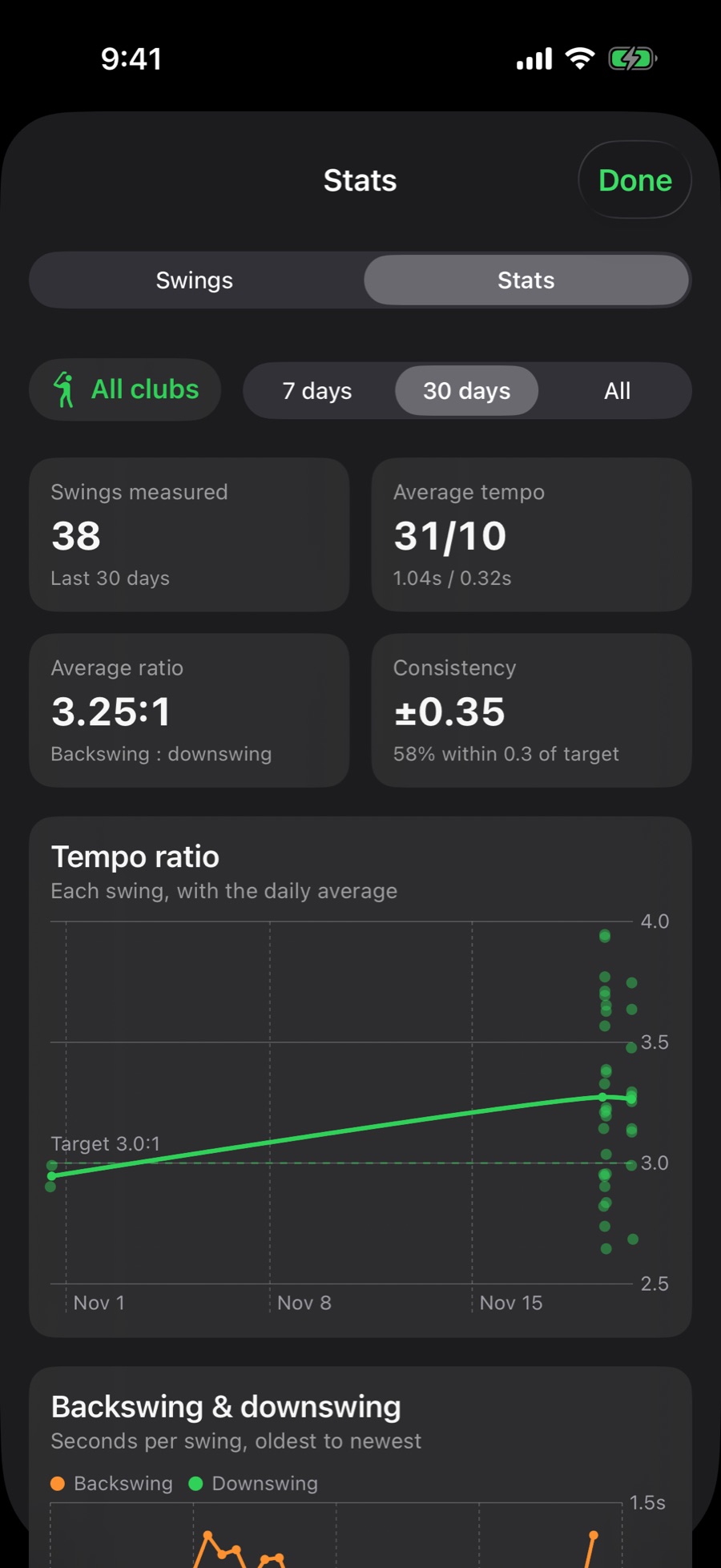
See your tempo settle, week by week and club by club.
Side-by-side compare
Two swings in step at takeaway, top or impact.
Clips for posting
Your swing with its tempo count, ready to share.
Filming
Film it so it can be timed
A swing is over in about a second, so how the video is shot matters.
- Prop the phone up or use a tripod. A phone that drifts in your hand spoils the timing.
- Get your whole body and the club in the picture, with the ball in view.
- Stand still at the ball for a second before you swing, and keep filming to the finish.
- Real speed, sound on. The sound of the strike is part of the measurement.
- From behind, looking down the line, works best. Face-on works too.
- Use the original video from your camera, not a copy sent through a messaging app.
Your videos stay on your iPhone
No accounts, no servers, no tracking. Your swings are measured on your phone and never uploaded. The privacy policy says so in full.